Insights for people who
handle sensitive work
Product updates, security guides, and practical advice for case managers, investigators, and compliance teams.
Why Shared Drive Folders Are a Compliance Risk for Professionals
Drive is an extraordinary tool — and, for professionals handling sensitive records, a compliance risk most organisations underestimate.
Why Shared Drive Folders Are a Compliance Risk for Professionals
Drive is an extraordinary tool — and, for professionals handling sensitive records, a compliance risk most organisations underestimate.

The 7 Habits of Investigators Who Never Lose Evidence
The professionals who consistently win cases are not the best at fieldwork. They are the best at documentation.
Two-Factor Authentication Is Not Optional Anymore: Here Is the Data
Accounts with multi-factor authentication enabled are 99.9% less likely to be compromised. The professional case for enabling it is now unanswerable.
How to Share Files with Clients Without Compromising Security
Sending a file to a client is one of the highest-risk moments in any professional workflow — the point where a document leaves your control.
Securing your Account with 2FA Keys
Protecting your Herarx account goes beyond a strong password. Learn how to enable two-factor authentication and register a hardware security key — both found under Settings → Security — to keep your cases and client files safe from unauthorised access.

Rent Increases: The Notice, the Dates and the Proof
A rent increase is only as good as the records behind it: the right notice, served correctly, with dates you can prove. What landlords should keep at each step.

Landlord Record Keeping: What to Keep, For How Long, and Where
Tax, safety, deposit and tenancy law each want different records for different periods. One list, one place, and the dates that trigger each.

Sharing With Clients: The Portal Model vs the Attachment Model
An attachment is a copy you have lost control of. A portal is a window you can close. The difference decides most data-protection incidents.
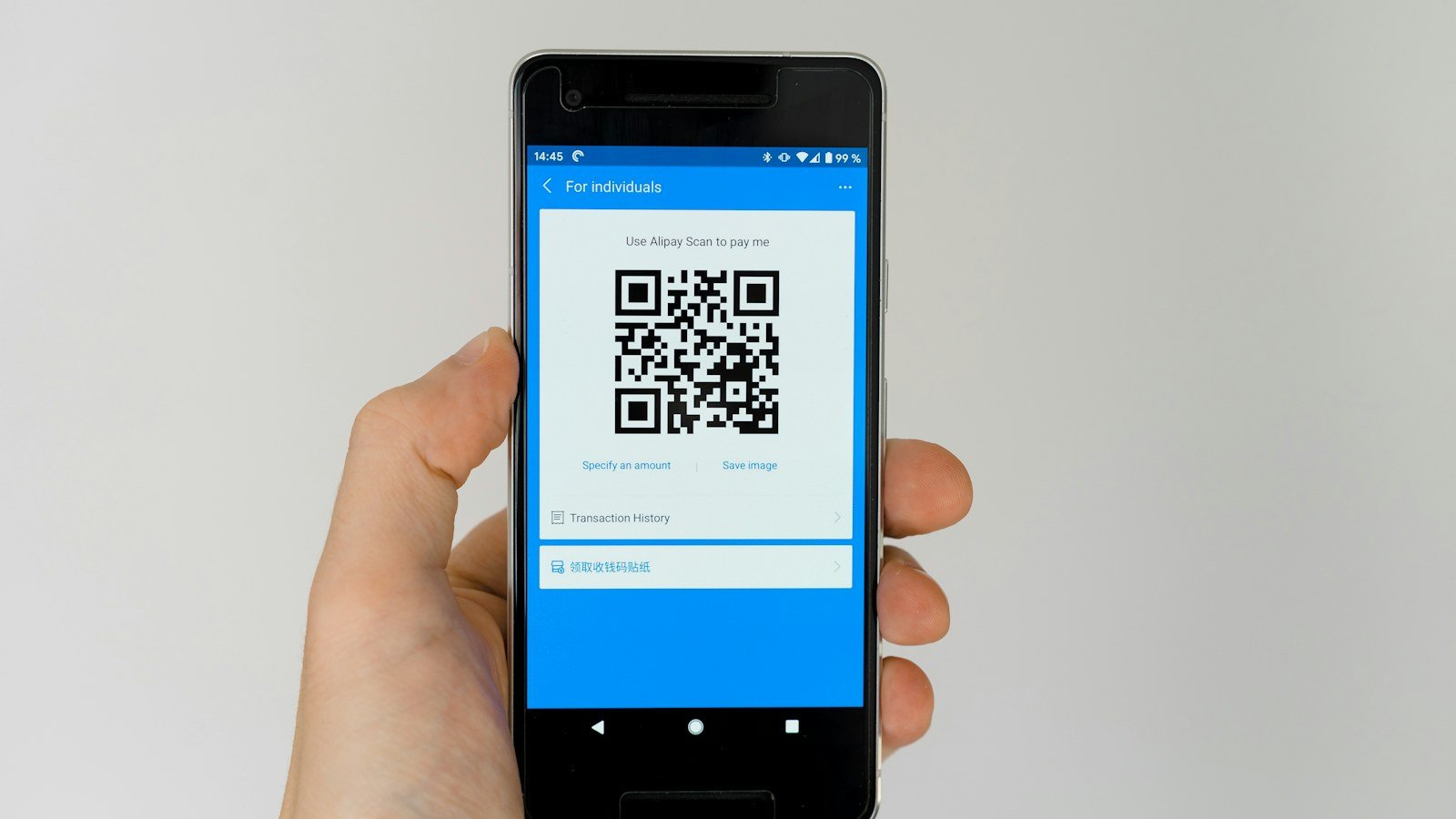
Passkeys Explained for Small Teams
Passkeys replace a typed secret with a key held on your device, unlocked by your fingerprint, face or PIN. What they are, why they resist phishing, and how a small team can roll them out.