Investigators in the Field: Working From a Phone Without Losing the Thread
The best note is the one written where you are standing. The phone view is built for exactly that — and for nothing else.
Fieldwork generates evidence at the worst possible moments for record-keeping: in a car, on a doorstep, outside a building at six in the morning. The note you write there is worth ten written back at the desk. So the tool in your hand has to be good enough to use in the moment, and disciplined enough not to let you make a mess.
The phone view is a different screen on purpose
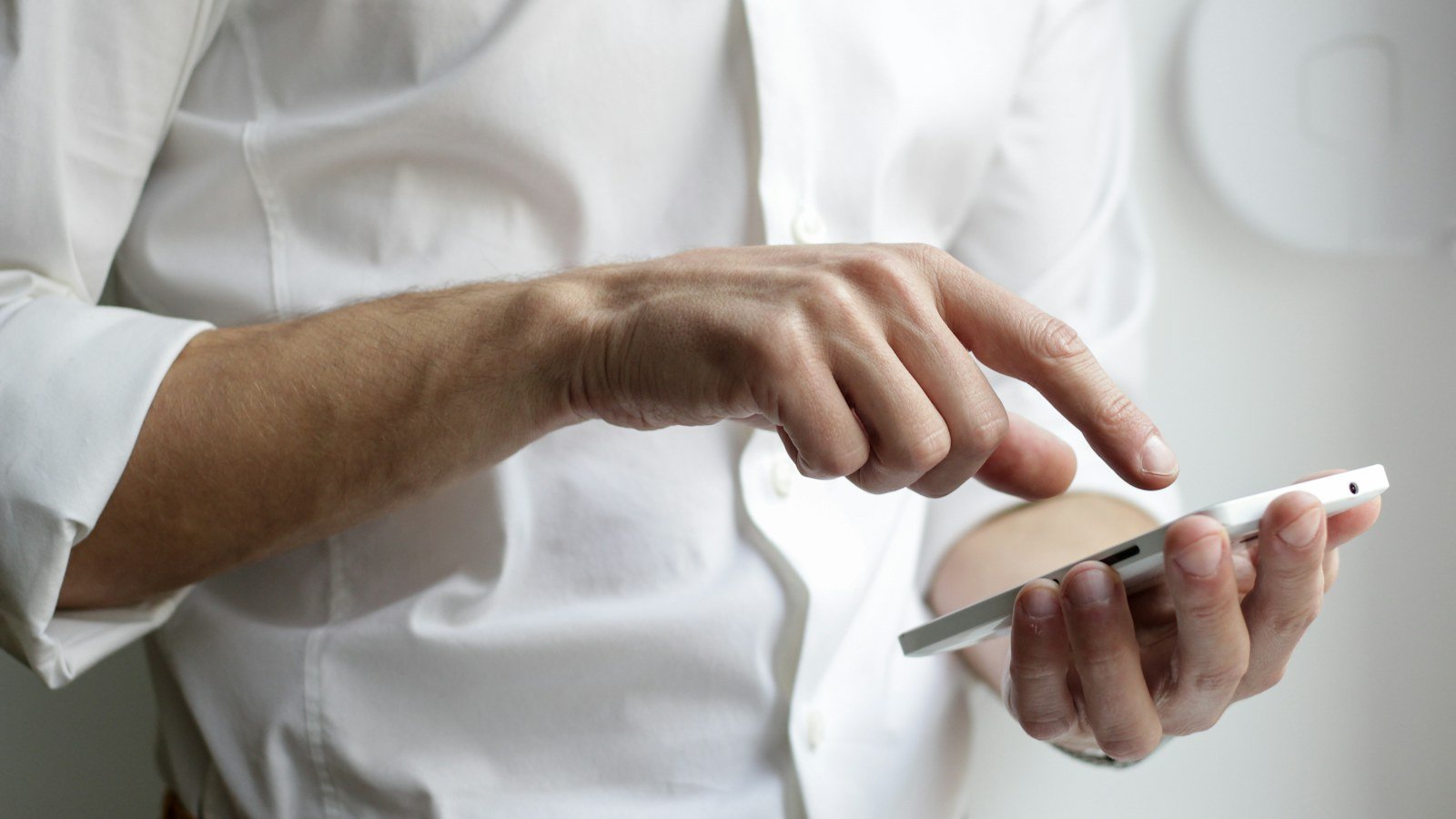
Herarx's phone view of cases is a card list. Each card shows a few fields the template author chose — the subject, the address, the status, the next action — and lets a field worker change only the fields the template allows. Everything else is read-only on the phone. That is not a limitation; it is the point. A phone is for capturing, not for restructuring.
What to capture on site
- Photos and video, uploaded straight into the case's Files tab. The upload time is recorded; the file is encrypted at rest.
- A dated observation as a row in the case's log table: time, place, what was seen, who else was present.
- A status or next-action change, so the office knows where things stand before you get back.
- A logged call, which lands on the calendar and the timeline.
Write the observation before you leave the location. Not in the car. Not later. Memory is a witness with a poor record.
Naming and numbering
Evidence items should carry a reference that cannot be reused or reordered. A sequence on the evidence table mints one when the row is saved — EV-0041 — and the photo attached to that row inherits the context. IMG_4823.jpg on its own proves nothing; EV-0041 attached to a dated row with a location does.
The iPhone app and Android
On iPhone and iPad the App Store app signs in with the same account and the same two-factor setup, unlocks with Face ID, and delivers push notifications when something on your cases changes. Android uses the phone web view. Sessions created by the native app keep a longer idle window; revoke a lost device from Settings → Security → Sessions.
Back at the desk
The desktop is where the write-up happens: the report generated from the case, the chain-of-custody statement built from the evidence table, the timeline exported for the file. The phone made sure the raw material was captured when it was fresh. That division of labour is the whole design.