A Bring-Your-Own-Device Policy for Small Firms
Staff will read client email on their own phones whether you have a policy or not. What a short, workable BYOD policy should cover, and the controls that make it realistic.
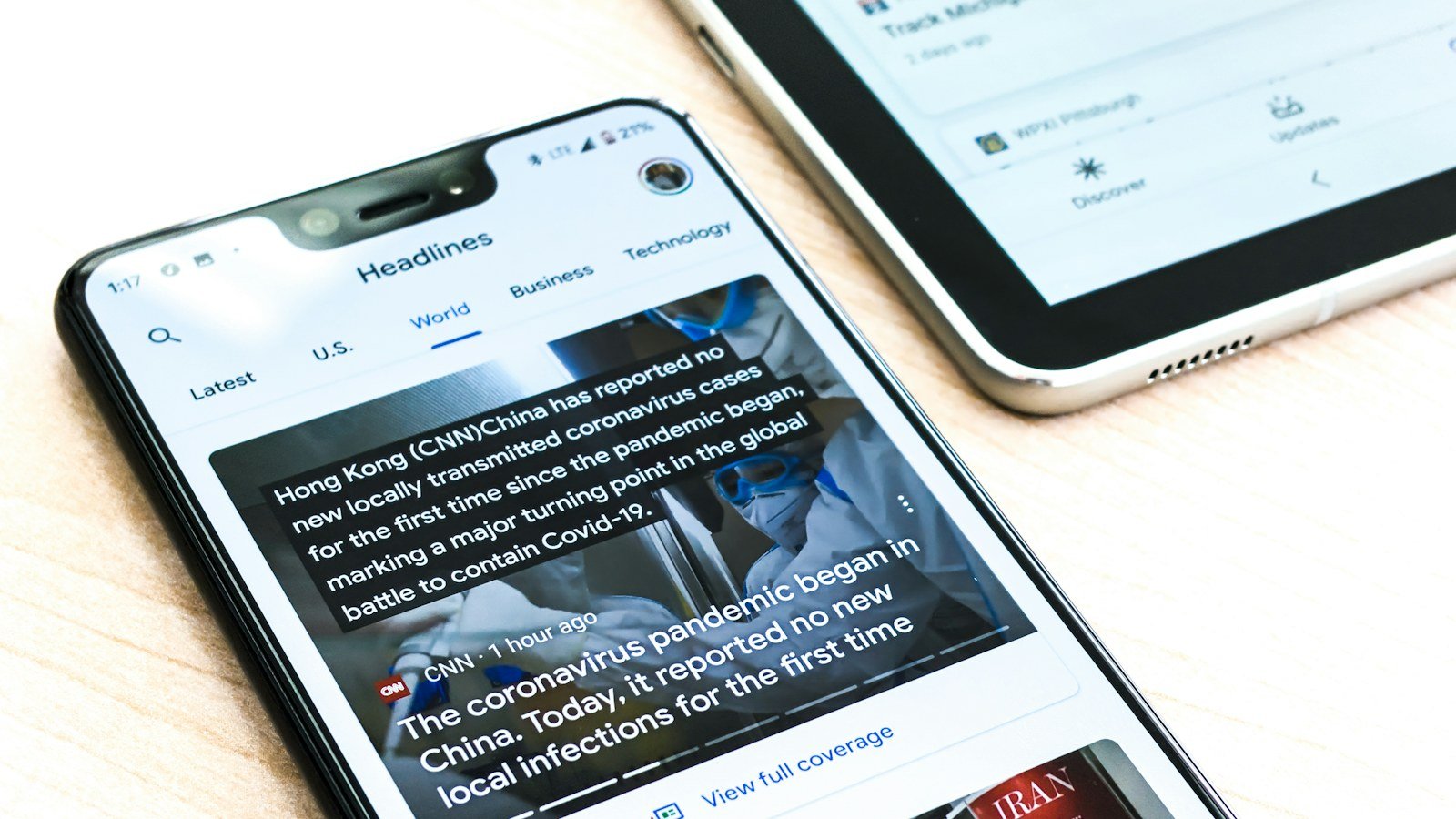
In a small firm, bring-your-own-device is not a decision; it is already happening. People check email on their phones, open a file on a home laptop, take a photo of a document at a site visit. A BYOD policy does not stop that. It sets the minimum conditions under which a personal device may touch firm data, and it decides in advance what happens when a device is lost or its owner leaves.
Start with where the data lives
The most effective BYOD control is keeping firm data off the device in the first place. If client records live in a system accessed through a browser or an app with its own sign-in, a lost phone exposes a session that can be ended, not a folder of downloaded files. The policy should therefore prefer access over copies: open documents in the system, do not save them to the phone's storage, do not forward them to personal email.
What the policy should require
- A screen lock with a PIN, password or biometric, and automatic locking after a short idle time.
- Device encryption turned on. Most modern phones do this once a lock is set; laptops often need it switched on. See encryption at rest vs in transit for why it matters.
- Supported, updated software. A device that no longer receives security updates should not be used for firm work.
- Two-factor authentication on every firm account used from the device. The case for it is in two-factor authentication is not optional anymore.
- No shared use of the firm accounts by family members, and no saved passwords in a browser others use.
- Official apps only, from the device's official store.
- Prompt reporting of loss or theft, within hours, not days.
What the firm promises in return
A policy people will sign also says what the firm will not do: it will not read personal messages, photos or browsing, and any remote action will be limited to firm accounts and data where the tools allow. Be honest about the tools you actually have. If you cannot selectively wipe firm data from a personal phone, do not claim you can; rely instead on revoking access.
Lost device and leaver procedure
- End the person's active sessions on every firm system.
- Remove any passkeys or security keys registered from that device.
- Change any shared credentials the device could reach.
- Record what happened, when, and what data the device could access. If client data may have been exposed, follow your incident process.
Where Herarx helps
Herarx files are encrypted at rest and accessed through the browser or the apps, so day-to-day work does not require local copies. Under Settings, Security, each person can see active sessions with device, IP and last activity, and revoke all other sessions; security keys can be removed there too. An organisation can require its own two-factor code for members, and roles decide who may download files at all. Cases switched to Advanced Security are hidden from the mobile views entirely, which suits the most sensitive matters.
Keep it to one page
A BYOD policy nobody reads protects nothing. One page, the seven requirements above, the lost-device steps, a signature and a date. Review it once a year and whenever you adopt a new system that staff will reach from their own devices.